Please read this page before choosing the photos you want to use. Once you have selected the best images for your lantern / frame upload them below.
Choosing the Best Photos for Lithophanes
So, you’re about to upload a photo for a lithophane.
Great choice. But not every picture works well.
Lithophanes turn light and dark areas into raised and lowered plastic.
That means the photo quality really matters.
Here’s how to get the best possible result.
Clear faces work best
Photos with people or pets usually look amazing.
Faces should be sharp and easy to see.
Try to use photos where the subject is close to the camera.
Tiny faces in the distance don’t show much detail.
If you’re thinking, “Can I clearly see the eyes?”
If yes, you’re on the right track.
Good lighting is really important
Bright, even lighting is perfect.
Natural daylight works best.
Avoid very dark photos.
Avoid harsh shadows across faces.
If half the face is in shadow, the lithophane will lose detail.
Soft light is your friend.
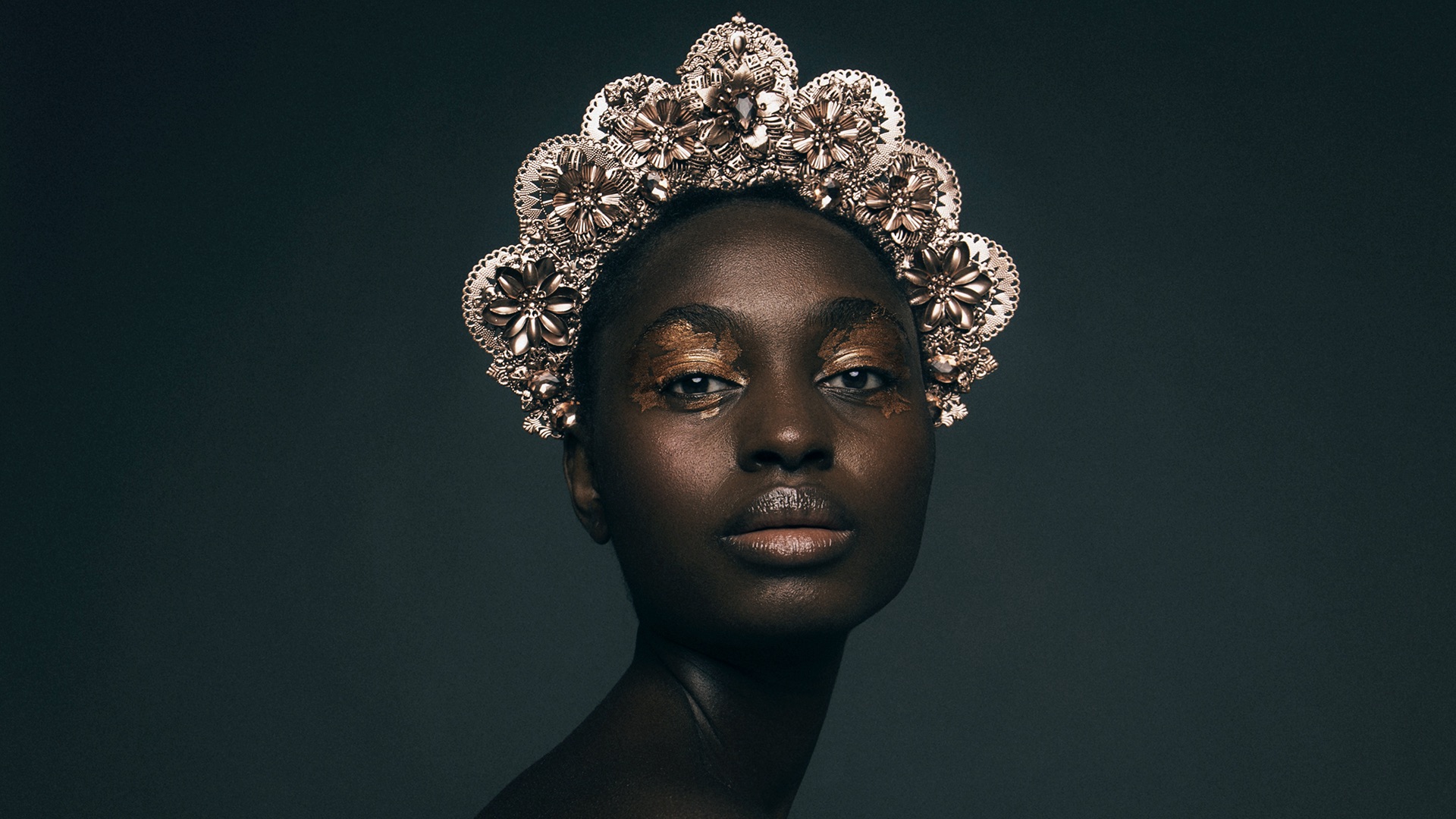
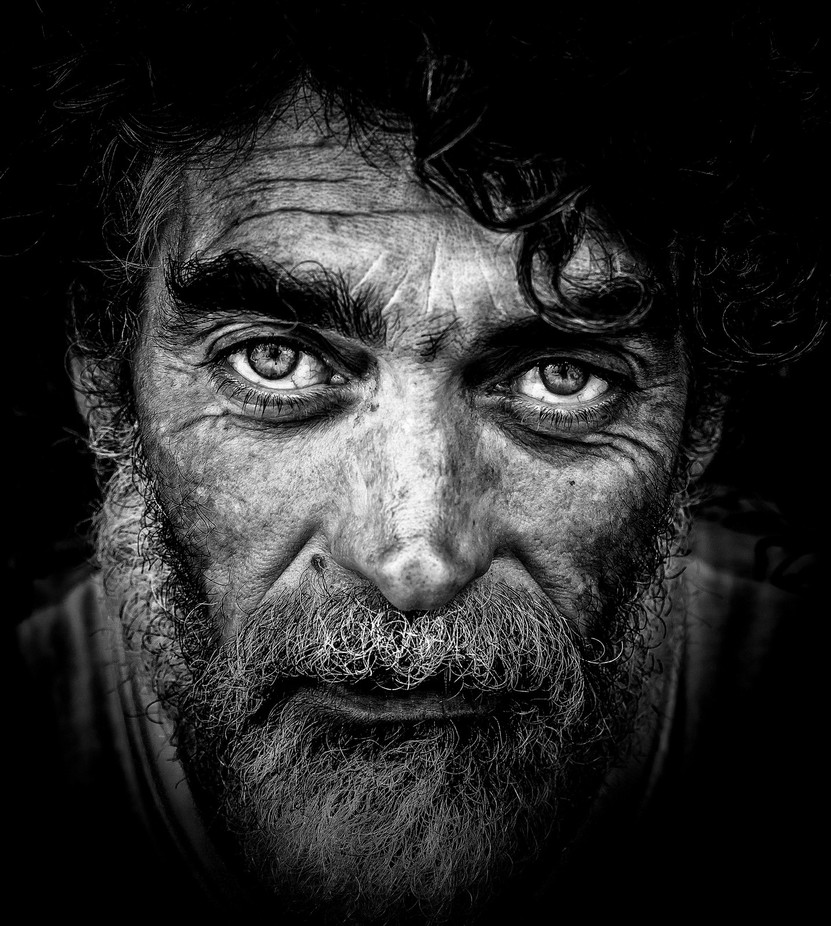
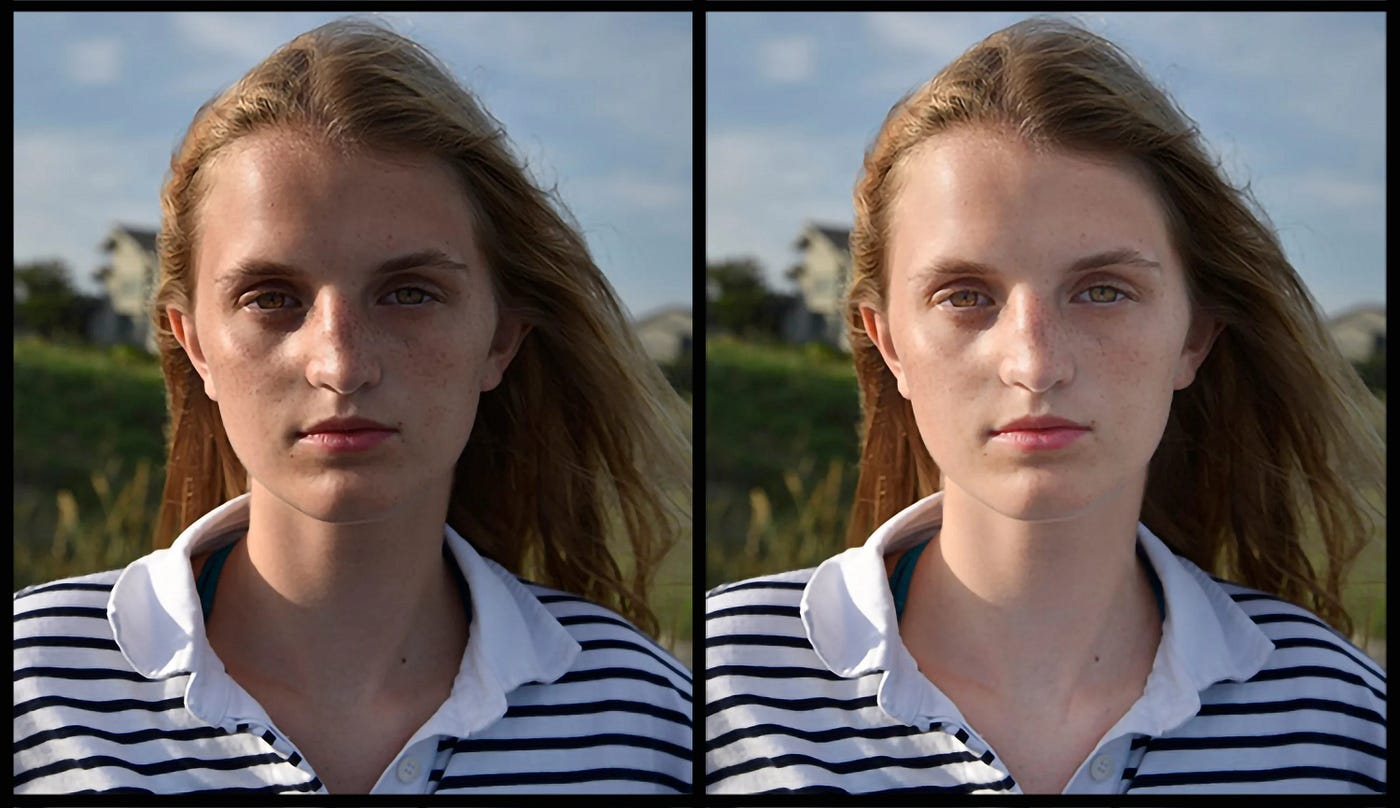
High contrast gives better detail
Lithophanes love contrast.
That means clear light areas and dark areas.
Photos that look a bit flat or grey often don’t work well.
If everything looks the same shade, the lithophane will too.
Black and white photos often work brilliantly.
They naturally have strong contrast.
Sharp photos only please
Blurry photos don’t translate well.
The printer can’t invent detail that isn’t there.
Avoid screenshots, zoomed-in images, or pictures sent through messaging apps.
Original photos straight from your phone or camera are best.
If it looks soft or fuzzy on your screen, it will look worse as a lithophane.
Simple backgrounds are better
Busy backgrounds can be distracting.
The lithophane may look messy or confusing.
Plain walls, skies, or softly blurred backgrounds work really well.
They help the main subject stand out.
When in doubt, simpler is better.
One main subject works best
Group photos can work, but fewer people is better.
Two or three faces max is ideal.
Crowded images lose detail fast.
Lithophanes don’t like clutter.
Ask yourself.
What’s the one thing this photo is about?
What usually doesn’t work well
Some images are just not suited for lithophanes.
Very dark photos
Heavy filters
Low-resolution images
Cartoons or screenshots
Text-heavy images
Logos and line art can work sometimes.
But photos nearly always look better.
Final tip before uploading
If you’re unsure, upload the best version you have.
I’ll always check it before printing.
If a photo won’t work well, I’ll let you know first.
No surprises. No wasted prints.
Honestly, a good photo makes all the difference.
Light it well, keep it sharp, and keep it simple.
Portrait not Landscape
All pictures must be in portrait layout (longest edge up and down) to match the frame.
Please upload the same amount of Lithophanes you ordered and please use the same email address so that we can locate your order.
Please use the form below or email your pictures to sales@customdesignsplymouth.com
If you get an error when uploading pictures it could very well be that the total size of your images is to large. Try one or two at a time.